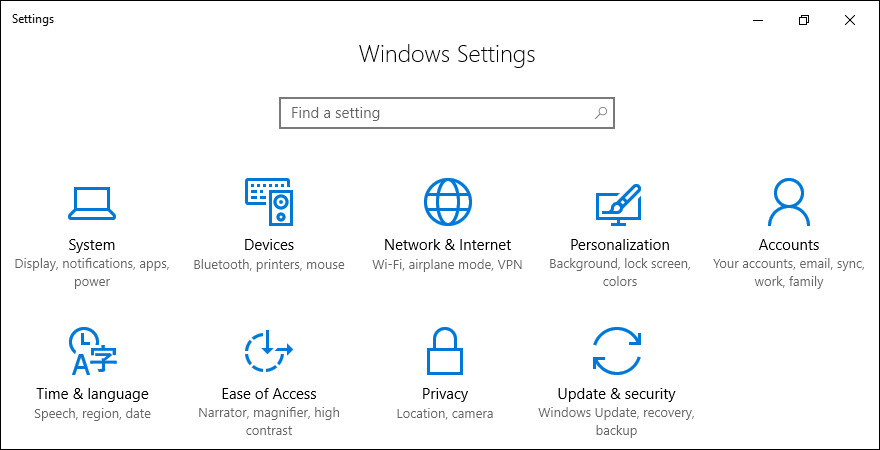
System Settings
Computer applicationWikipedia
15
MENTIONS
4
EPISODES
4
PODCASTS
Search complete. 15 mentions across 4 episodes found for "System Settings".
Oct 19, 2026

SreenivasHOST
Menu bar Apple.
SreenivasHOST
I am just pressing the down arrow a few times to go to the system settings.
SreenivasHOST
Apple about this Mac.
SreenivasHOST
system settings ellipsis i am pressing the enter key or the return key on the system settings to launch it
speaker_1UNKNOWN
ocean system settings window sidebar row 11 of 38 general selected has keyboard focus
SreenivasHOST
the system settings has been launched and the keyboard focus is on the sidebar
speaker_1UNKNOWN
Sidebar, row 11 of 38, general, selected, has keyboard focus.
SreenivasHOST
I'm just typing Siri.

Matt BirchlerHOST
It's possible.
NiléaneHOST
But you turned it on in System Settings, Chris?
Matt BirchlerHOST
It's not even there in System Settings.
Christopher LawleyHOST
One second.
NiléaneHOST
[laughs] Chris, come back.
NiléaneHOST
You have to turn it on System Settings.
Christopher LawleyHOST
I was like, "Keep going with the show.
Christopher LawleyHOST
Keep it going."

MikeHOST
...
MikeHOST
Siri AI, okay? If you wanna turn off Siri AI, you go to the System Settings, click Siri in the sidebar, and then just turn off Siri.
MikeHOST
That, that's it.
MikeHOST
Just turn off Siri.
MikeHOST
Uh, email summaries, same thing.
MikeHOST
Go into Mail settings, then under Viewing you turn off Summarize Message Previews.
MikeHOST
Notification summaries, now we're back to System Settings.
MikeHOST
So we go into System Settings, click Notifications, click Summarize Notifications, turn that off.

Dave GinsburgHOST
A clean install may fail to request notification permission for apps, including calendar and maps, and find my home and weather.
Dave GinsburgHOST
Apple recommends manually enabling these effective notifications in the system settings.
Dave GinsburgHOST
So that's why we're playing in the beta world.
Dave GinsburgHOST
So you've got to watch those things.