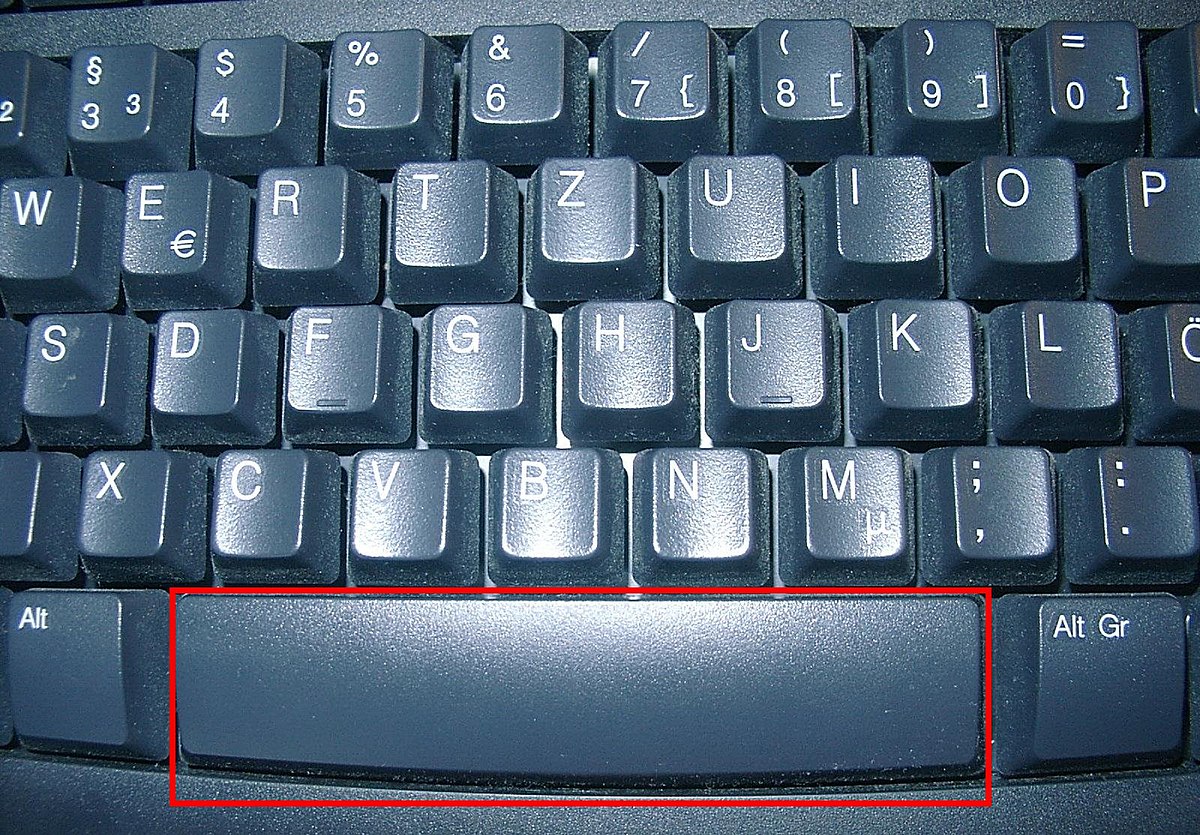
Space bar
9
MENTIONS
7
EPISODES
7
PODCASTS
Search complete. 9 mentions across 7 episodes found for "Space bar".
Oct 14, 2026

Jason SnellHOST
To this day.
Jason SnellHOST
It was like Command, Option, Spacebar for, for that app was play, pause, and like forget it.
Jason SnellHOST
If you wanna be Command, Option, Spacebar on, on Mac, you are gonna lose that battle 'cause that's gonna be play, pause forever at this point.
Myke HurleyHOST
That's a global shortcut on your Mac, is it?
Jason SnellHOST
Yeah.

Wesley HilliardHOST
That's new
William GallagherHOST
... hit Spacebar.
William GallagherHOST
Great.
William GallagherHOST
But in the iPhone, it turns out you have to open the Files app, then find the document, then long press on it until a menu comes up, then choose Quick Look.

Natalie CurranHOST
But I thought, "I could rewrite this," 'cause it wasn't that long, "or I could see if I could retrieve it from JAWS history," and that's what I did.
Natalie CurranHOST
So I opened up a Word document, and I used the JAWS layered command, which is JAWS key plus the Space bar, and then Control plus H.
Natalie CurranHOST
So JAWS key, Space, and then Control+H, and that pasted everything that JAWS had said since I'd launched the computer, which frankly, 'cause it was in the morning, wasn't too much.
Natalie CurranHOST
And I just searched for a keyword in the email and found it, copied and pasted it from there back into a new email to the person I was emailing [laughs].
Natalie CurranHOST
Um, but yeah.
Natalie CurranHOST
So I thought I'd mention this one.
Natalie CurranHOST
So it's JAWS key plus the Space bar, and then as Callum said, you do H just to open up the history.
Natalie CurranHOST
But Control+H will copy the last history to the clipboard.

Mikah SargentHOST
So let's, uh, let's dig into how we make use of that.
Mikah SargentHOST
Uh, you open up Terminal, which again, uh, you can hold down the Command key on your Mac, hit the Space bar, and type in T-E-R, and boom, the terminal is going to be there.
Mikah SargentHOST
And then we're going to download a specific model.
Mikah SargentHOST
So in this case, Ollama, after you've got Ollama installed, and you will type in Ollama pull, and we're g- we're installing Qwen 3.5, and it is a 9 billion parameter model.

Mikah SargentHOST
So let's, uh, let's dig into how we make use of that.
Mikah SargentHOST
Uh, you open up Terminal, which again, uh, you can hold down the Command key on your Mac, hit the Space bar, and type in T-E-R, and boom, the terminal is going to be there.
Mikah SargentHOST
And then we're going to download a specific model.
Mikah SargentHOST
So in this case, Ollama, after you've got Ollama installed, and you will type in Ollama pull, and we're g- we're installing Qwen 3.5, and it is a 9 billion parameter model.

Mikah SargentHOST
So let's, uh, let's dig into how we make use of that.
Mikah SargentHOST
Uh, you open up Terminal, which again, uh, you can hold down the Command key on your Mac, hit the Space bar, and type in T-E-R, and boom, the terminal is going to be there.
Mikah SargentHOST
And then we're going to download a specific model.
Mikah SargentHOST
So in this case, Ollama, after you've got Ollama installed, and you will type in Ollama pull, and we're g- we're installing Qwen 3.5, and it is a nine billion parameter model.

Mikah SargentHOST
So let's, uh, let's dig into how we make use of that.
Mikah SargentHOST
Uh, you open up Terminal, which again, uh, you can hold down the Command key on your Mac, hit the Space bar, and type in T-E-R, and boom, the terminal is going to be there.
Mikah SargentHOST
And then we're going to download a specific model.
Mikah SargentHOST
So in this case, Ollama, after you've got Ollama installed, and you will type in Ollama pull, and we're g- we're installing Qwen 3.5, and it is a 9 billion parameter model.