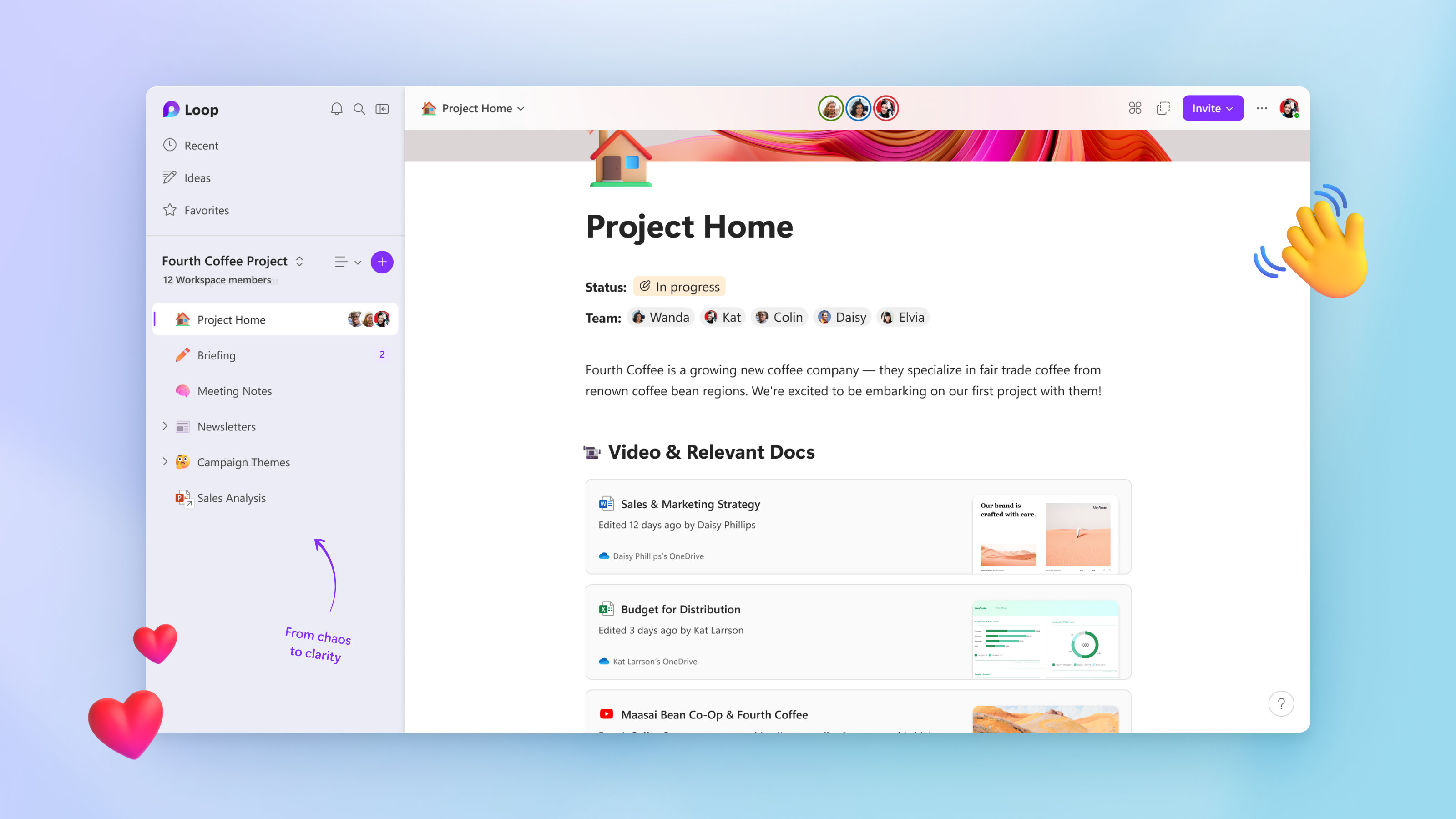
Microsoft Loop
SoftwareWikipedia
29
MENTIONS
2
EPISODES
2
PODCASTS
Search complete. 29 mentions across 2 episodes found for "Microsoft Loop".
Sep 15, 2026

Nathan TaylorHOST
Thank you for joining me today on this episode of the Demystifying Microsoft podcast.
Nathan TaylorHOST
I'm your host, Nathan Taylor, and today I'm excited to talk about a really practical topic, um, and I think a topic that's gonna interest a lot of you, which is Microsoft Teams, Copilot, Facilitator, and Loop, and really excited to kind of share some of the cool features that I use every day in these products.
Nathan TaylorHOST
When I talk about Copilot as a whole, this is often one of the topics that I think is, like, the first thing I come to.
Nathan TaylorHOST
When everybody think AI, they think of all the crazy stories of people automating their worlds, but this is kind of one of those practical things that I use nonstop in Copilot, and so I want to share it with you.
8 MINS LATER
Nathan TaylorHOST
Facilitator creates a much more detailed set of notes, especially if you're getting very technical in a meeting, maybe talking about to-do list items, responsibilities, roles and responsibilities, detailed review of goals or processes.
Nathan TaylorHOST
Facilitator actually writes its own set of notes, and those notes are really powerful, and Microsoft saves those format that you can access from the Teams interface for the meeting, so you can find that in the UI there.
Nathan TaylorHOST
But if you're paying attention, you can find that those notes actually get saved in a Loop document, and that's where some really interesting power happens.
Nathan TaylorHOST
Number one, the big thing that happens in the Loop document is it's a much more detailed set of notes than the recap.

Denise TsamourisHOST
A lot of people have not used it.
Denise TsamourisHOST
Some of it's sadly not turned on for them yet, but we are going to focus on Microsoft Loop today.
Denise TsamourisHOST
First, we're going to get through our news and our tech tips, and then I'm going to tell you a question I received in one of my classes, and then we're going to just get into it and tell you about how great Microsoft Loop is.
Denise TsamourisHOST
I'm not using anything like, we're going to loop you in or anything like that because, but...
Denise TsamourisHOST
All right, so Neil, you want to go ahead and kick us off with your news that you have?
Denise TsamourisHOST
Okay.
Denise TsamourisHOST
So mine has to do with teams, not...
Denise TsamourisHOST
Cleaner or Loop.