Luminar Neo
SoftwareWikipedia
35
MENTIONS
6
EPISODES
4
PODCASTS
Search complete. 35 mentions across 6 episodes found for "Luminar Neo".
Nov 20, 2026

Jakub BorsHOST
So if you have not heard us before or seen us before, because now we are also in a video version on YouTube.
Jakub BorsHOST
Here at LumiCast, we talk about photography and of course, our favorite and beloved Luminar.
Jakub BorsHOST
So based on that, we have a great topic for you again and Holly will tell us more about it.
Jakub BorsHOST
So Holly, what are we going to talk about today?
Holly LintonHOST
Today is a great topic.
Holly LintonHOST
We're talking about using textures and overlays in your editing process in Luminar.
Jakub BorsHOST
Brilliant.
Jakub BorsHOST
Yes, yes.

Derek StoryHOST
And again, all the webinars are $15.
Derek StoryHOST
Also in February, I'm going to do a Photos Masterclass that covers AI editing, Luminar Neo and Nitro.
Derek StoryHOST
And you may wonder why am I including two other software packages, Luminar Neo and Nitro in the Photos Masterclass.
Derek StoryHOST
the reason is that those three work together fantastic and both luminar neo and nitro are amazing editing extensions for photos so you can have photos as your main database it manages stuff it does icloud sharing it does automatic backup all that kind of stuff.
Derek StoryHOST
And yet, still from within photos, use the tools that are in Luminar Neo, which are very powerful, and in Nitro, which are also very powerful.
Derek StoryHOST
And of course, Nitro was written by Gentleman Coders, who was the lead for Aputure back in the days when Aputure was at Apple.
Derek StoryHOST
The other thing that's happened is that with the recent update with Mac OS 27, We have a lot of tools and photos that we've been waiting for.
Derek StoryHOST
So now we have three very powerful AI editing tools within Photos itself.

Talor StoneHOST
Honestly, I feel like all of my news updates these days are basically just me raging at the world because everything has just made me so frustrated.
Talor StoneHOST
So my news story is whether or not Luminar's new update is a prelude to the future of AI editing.
Talor StoneHOST
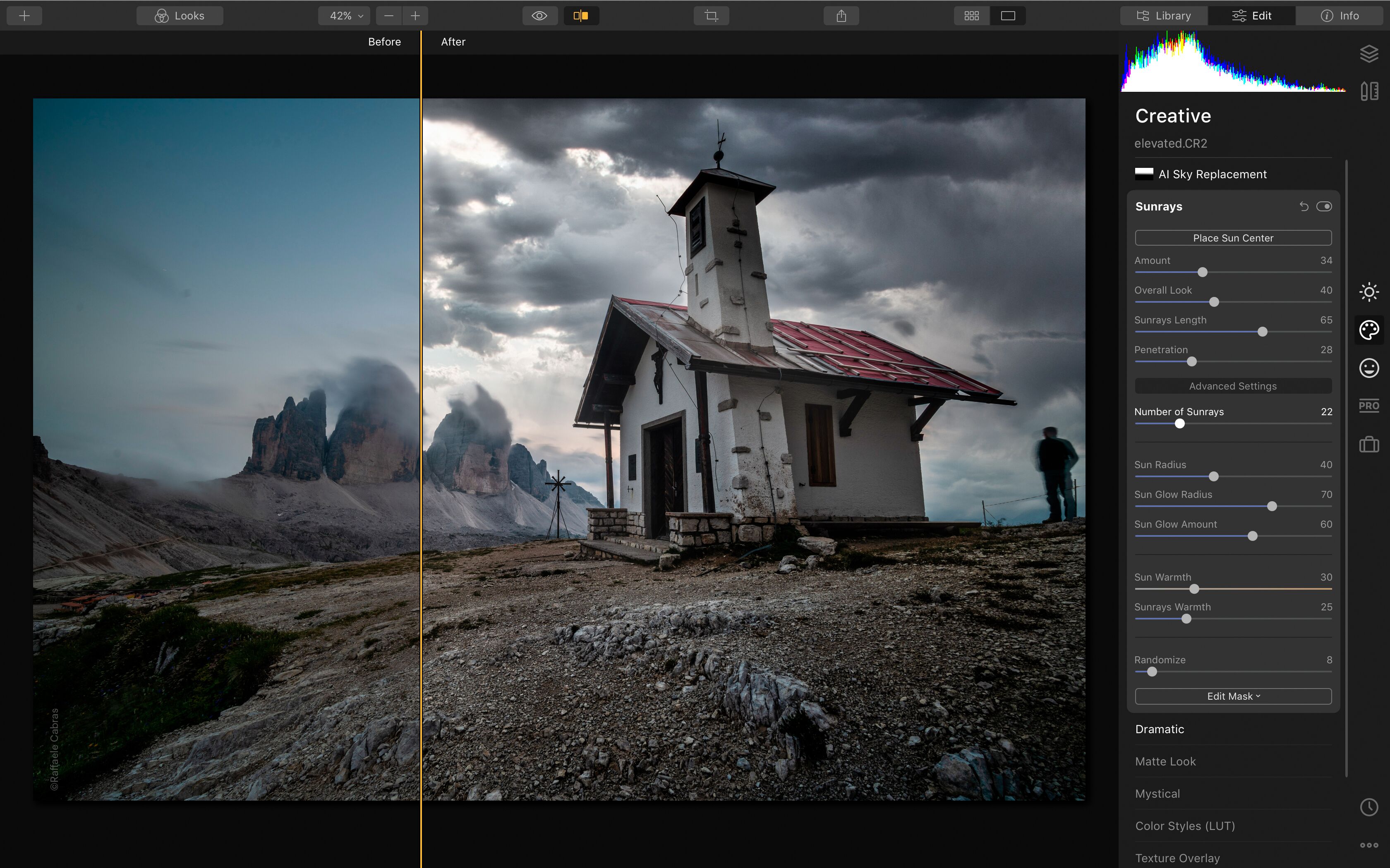
So since the start, Luminar has always been a very AI-forward photo editing program with simple-to-use sliders with names like Enhance.
Talor StoneHOST
or sun rays that people can use to edit images intuitively via these types of shortcuts.
Talor StoneHOST
Often these edits go way beyond what would be considered a natural approach to editing as they're like computer and AI assisted.
Talor StoneHOST
The new Luminar Fall Update is an extension of this idea, but it's on steroids.
Talor StoneHOST
Their new crop tool now uses AI to suggest optimal composition.
Talor StoneHOST
When you hit crop, it actually gives you AI optimized crops that you don't have to think about.
Derek StoryHOST
It goes on and on here, but it's just really interesting because you're hearing from the OM execs themselves and the fact that they even considered APS-C or full frame, I find that very interesting.
Derek StoryHOST
one more news note here i just want to mention this is on f stoppers and a link is in the show notes the luminar fall update has some powerful new tools Luminar has released a solid fall update with some new features and some enhancements.
Derek StoryHOST
The update is free to current owners and can, of course, be purchased by photographers who are interested.
Derek StoryHOST
The new update is version 1.29.0.
Derek StoryHOST
The update should appear automatically, or you can click check for updates in the Luminar dropdown menu.
Derek StoryHOST
So here's what's new.
Derek StoryHOST
First, Crop, a more precise, intelligent tool that reads your image and suggests several finished compositions, taking into account subjects, balance, leading lines, and visual weight of every photo.
Derek StoryHOST
And fourth, AI assistant.
Holly LintonHOST
right.
Holly LintonHOST
My next one, people in the Luminar community will laugh at this one because during Luminar Coffee Break, Vanelli talks about the Dutch tilt now and then.
Holly LintonHOST
So the next spooky idea is doing a Dutch tilt angle, which if you're not familiar with what that is, you're just tilting your camera.
Holly LintonHOST
Your horizon's not straight.
15 MINS LATER
Holly LintonHOST
The bathroom mirror and the windows got all steamed up and I put my handprints on it.
Jakub BorsHOST
Right.
Holly LintonHOST
And then I wrote the word Luminar in big letters.
Holly LintonHOST
And then you could see all the drips of water were starting to come down.

Greg McMillanHOST
wow.
Greg McMillanHOST
So I just, I just edited it in Luminar and I really liked what I started to see when I started, you know, bringing up the shadows and things like that.
Greg McMillanHOST
So I just saturated the, the leaves and I mean, you know, I have a kind of a regimen when I go through Luminar.
Greg McMillanHOST
The first thing I do is I open up, you know, the curves and I'll maybe bring up the mid tones and the curves, things like that.
Greg McMillanHOST
Then I'll, Luminar has this thing called enhance where you can dial up enhance.
Greg McMillanHOST
and leave it.
Greg McMillanHOST
It really does a good job at adjusting all these things to make it look really good.
Dave PodnerHOST
Okay.