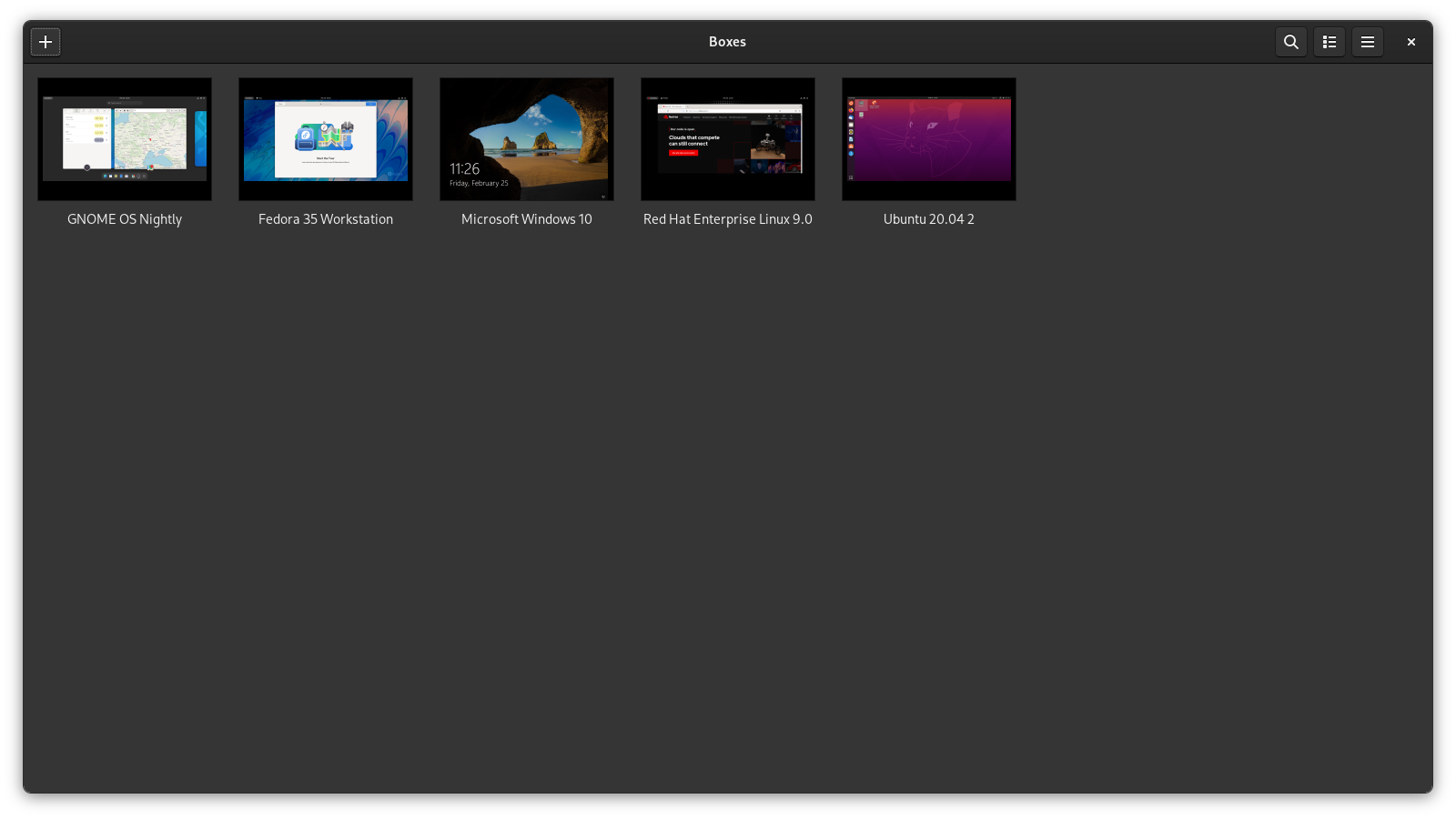
GNOME Boxes
System softwareWikipedia
17
MENTIONS
4
EPISODES
1
PODCASTS
Search complete. 17 mentions across 4 episodes found for "GNOME Boxes".
Oct 25, 2026

Chris TitusHOST
Bam, I'm down here now, right here.
Chris TitusHOST
All right, we're gonna go ahead and create a new virtual machine in GNOME Boxes.
Chris TitusHOST
All right, so we're gonna create it.
Chris TitusHOST
It's gonna do this.
Chris TitusHOST
You name it.
Chris TitusHOST
in img or whatever you want to do and then you just basically browse to that directory and i've already done this so it's already actually in here under images where you'll see it all so we'll pick our iso out i'm going to use 1809 now if you remember in a prior video in gnome boxes this actually failed and i believe it will fail on this one too but let's go ahead and try to So I'm gonna go ahead and hit forward.
Chris TitusHOST
All this looks pretty good.
Chris TitusHOST
40 gigs and win 10 and finish.
Chris TitusHOST
So with this, I'm gonna drag this over here.
Chris TitusHOST
You have a couple more options in the GNOME boxes.
Chris TitusHOST
If you go up to view, you can do full screen.
Chris TitusHOST
I like to hit resize to VM.
Chris TitusHOST
In this video, I go over installing Windows 10 on GNOME boxes.
Chris TitusHOST
So to start out this video, I kind of wanted to go over a couple caveats when you go ahead and install or create your very first virtual machine in GNOME Boxes.
Chris TitusHOST
Number one, just installing the machine straight out, you need to make sure your BIOS settings are set properly.
Chris TitusHOST
If you're using an Intel processor, make sure that you have a virtual machine dash D or a VT dash D enabled in your BIOS or IOMMU.
Chris TitusHOST
so you have to have that virtualization ticked in your bios prior to doing this if you don't when you go to install windows or another linux distribution it's going to run horrible and it's going to take forever And if that happens to you, your virtualization settings are kind of messed up.
Chris TitusHOST
You'll see a little warning box.
Chris TitusHOST
When you go to do this, it'll be a big banner on the GNOME boxes.
Chris TitusHOST
And when that happens, you know you haven't had it set up properly.
Chris TitusHOST
in i've been focusing more on pretty much dumped wine altogether and said hey that's not really a solution for me and i have expanded into virtualization so in the past i've always used virtual box or i have an entire home lab here where i'll do uh... zen server or vmware entire uh... big business setup however that's not very practical for you at home um...
Chris TitusHOST
so i went ahead and said you know i'm gonna go ahead and start loading just local virtualization up here and i thought what better software to use is one i've never used so someone in the comments suggested gnome boxes and if you look at my past couple days i've released a couple tutorial videos on gnome boxes and that's because i just kinda broke into it, saw what some other tutorial videos were doing, and I was like, that's wrong.
Chris TitusHOST
You shouldn't do it that way, and just kind of released my own.
Chris TitusHOST
So GNOME Boxes, I love.
Chris TitusHOST
It's going to be great for you if you're just getting into virtualization, if you don't like VirtualBox or QEMU is a little too technical, and you don't like VertManager as the GUI for that.
Chris TitusHOST
So overall, I really love it.
Chris TitusHOST
It's so simplistic.
Chris TitusHOST
to where when you need to launch a Windows instance, you pretty much just pull up GNOME Boxes and it's good to go.