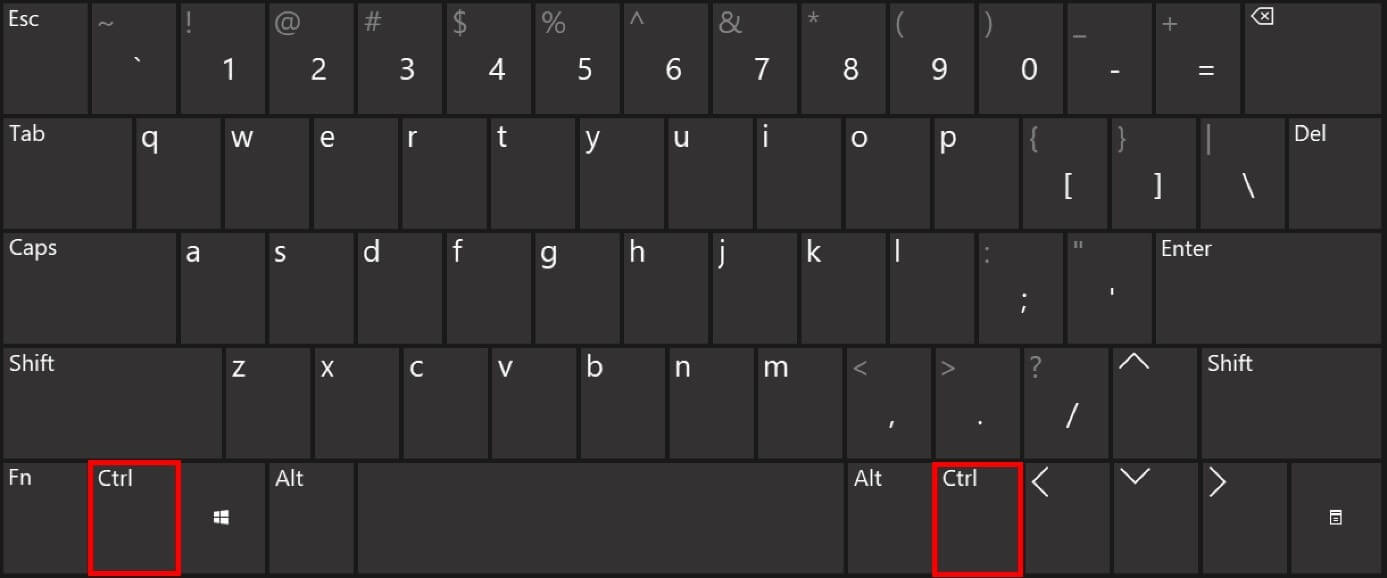
Control key
7
MENTIONS
2
EPISODES
1
PODCASTS
Search complete. 7 mentions across 2 episodes found for "Control key".
Oct 27, 2026
P
Unknown podcast
Finding your way in Visual Studio Code: explorer, tabs, command palette
Oct 27 · 2 Mentions
S
6:45speaker_0NARRATOR
It gives access to almost every feature from a single search field, without hunting through menus.
S
6:50speaker_0NARRATOR
Open it with Ctrl plus Shift plus P, CMD plus Shift plus P on Mac OS, or with the F1 key.
S
6:58speaker_0NARRATOR
A search bar appears at the top of the window, starting with the character greater than.
S
7:02speaker_0NARRATOR
You then type a few words describing what you want to do and versus code filters the matching commands.
S
7:40speaker_0NARRATOR
Use it to learn shortcuts gradually, without memorizing a list.
S
7:44speaker_0NARRATOR
The commands you used recently appear at the top, which makes it faster to repeat them.
S
7:49speaker_0NARRATOR
A very close tool is Quick Open, opened with Ctrl plus P, CMD plus P on Mac OS, without Shift.
S
7:57speaker_0NARRATOR
It is used to open a file by typing part of its name.
P
Unknown podcast
The code editor: why not just a word processor
Oct 25 · 5 Mentions
S
8:32speaker_0NARRATOR
Learn a few keyboard shortcuts early.
S
8:34speaker_0NARRATOR
In Versus Code, the most useful ones are Ctrl plus S, CMD plus S.
S
8:40speaker_0NARRATOR
Save the current file.
S
8:42speaker_0NARRATOR
Ctrl plus P, CMD plus P.
S
8:44speaker_0NARRATOR
Quickly open a file by typing its name.
S
8:47speaker_0NARRATOR
Ctrl plus Shift plus P, CMD plus Shift plus P.
S
8:51speaker_0NARRATOR
Open the command palette, which gives access to every feature.
S
8:54speaker_0NARRATOR
Ctrl plus F, CMD plus F.