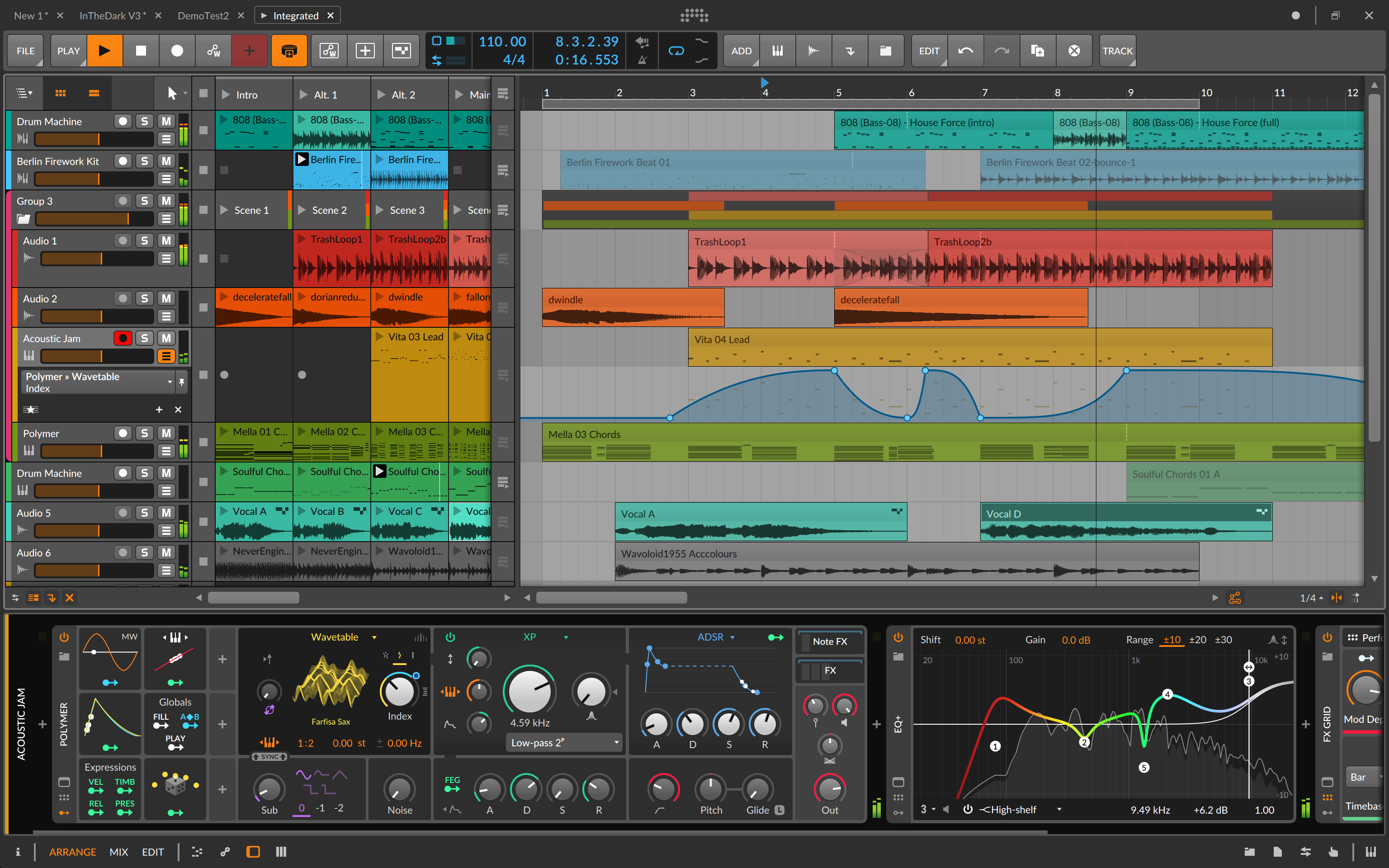
Bitwig Studio

Bitwig Studio

SoftwareWikipedia

Search complete. 12 mentions across 6 episodes found for "Bitwig Studio".

Sep 8, 2026

Unknown podcast

How Choosing a DAW Shapes Your Entire Workflow – From Pro Tools to Ableton Live and Beyond

Sep 8 · 2 Mentions

speaker_1UNKNOWN
7:59
Its free perpetual licensing model means you're never locked behind an annual subscription, which explains its popularity among freelancers who need to keep expenses low without sacrificing control.
speaker_1UNKNOWN
8:11
Bitwig's modular approach treats each instrument and effect as a node on a canvas that you can connect, branch, or gate in real time, giving you a visual sense of signal flow that's almost like a live performance rig.
speaker_1UNKNOWN
8:24
The DAW's native clip launching, plus its pattern devices, allow the same creative flexibility of Live but with an emphasis on parametric modulation and macro control across all layers.
speaker_1UNKNOWN
8:36
Bitwig automatically handles CPU allocation by intelligently muting or bypassing unseen devices, which means your workflow can stay clean even when you pile up hundreds of synth layers or convolution reverbs for a cinematic mix.
speaker_1UNKNOWN
8:50
These strengths appeal to hybrid electronic musicians and sound designers who want tight hardware integration while retaining the flexibility of software control.
speaker_1UNKNOWN
9:01
Reason has carved out its niche by packaging a virtual rack studio in every project file.

Unknown podcast

Breaking the Mold: Women Pioneers Like Gail Davies Redefine Recording & Mixing

Sep 7 · 2 Mentions

speaker_1UNKNOWN
8:23
You get smooth, organic motion without re-automating every knob change.
speaker_1UNKNOWN
8:29
Take a filter cutoff in Bitwig's Mono Grid, for example.
speaker_1UNKNOWN
8:32
You can dial a low-frequency oscillator to sweep the cutoff and then lift that same LFO into a control matrix so it affects multiple devices at once.
speaker_1UNKNOWN
8:42
The low pass will wobble softly under sustained chords while still allowing you to drive the cutoff manually with key or sidechain later on.
speaker_1UNKNOWN
9:20
That visual flow is powerful because it removes guesswork.
speaker_1UNKNOWN
9:24
When you see that LFO feeding your distortion stage, you instantly know what kind of motion you're creating.
speaker_1UNKNOWN
9:31
Bitwig's MPE capability adds another layer.
speaker_1UNKNOWN
9:34
Instead of an LFO shaping a whole filter, you can assign velocity or aftertouch on each note to drive a per-note cutoff or resonance.

Unknown podcast

Slayer's Reign in Blood: Engineering Extreme Speed & Tightness

Sep 7 · 2 Mentions

TonyHOST
14:04
An LFO generates slow oscillations, typically under 20 Hz, that ride beneath your signal and push a parameter up or down, but it doesn't replace the handcrafted envelope you might be carving out over tempo with a mouse click.
TonyHOST
14:18
In Bitwig Studio, that duality feels almost natural because its modular system exposes every signal path.
TonyHOST
14:25
You can snap an LFO module to the side of a filter device and connect a line from your main track's automation lane right into that same cutoff knob.
TonyHOST
14:34
The visual cable shows you how the two motions combine.
TonyHOST
14:38
Bitwig's grid offers a more pedagogical angle.
TonyHOST
14:41
It lets you drag, drop, and wire components, oscillators, envelopes, CV sources, like physical cables on a tabletop.
TonyHOST
14:49
As soon as you move an LFO block, you can see its waveform shift and how that ripple travels through the sound.

Unknown podcast

Pro Tools and the Modern Recording Studio

Sep 7 · 1 Mention

speaker_1UNKNOWN
6:47
Another critique comes from artists who prefer an all-in-one workflow.
speaker_1UNKNOWN
6:51
While Pro Tools excels in managing dozens of channels, it doesn't have the intuitive drag-and-drop loop handling of a DAW like Bitwig or the visual clip engine of Ableton Live, which can be limiting for electronic musicians or podcast editors who want to glue pieces together fast.
speaker_1UNKNOWN
7:08
Additionally, some find that the user interface feels dense, and mastering the entire menu hierarchy is a hurdle when you're racing against a deadline.
speaker_1UNKNOWN
7:18
Yet modern musicians frequently juggle across multiple platforms.
Donnell KnoxHOST
1:52
You'll be surprised what it does for your creativity,
Donnell KnoxHOST
1:56
especially if you're using Ableton or Bitwig.
Myles SergéHOST
1:59
See, I know what's coming.
Myles SergéHOST
2:00
See, now he has a new sponsor.
Myles SergéHOST
2:01
Who is this, Bitwig? It's
Donnell KnoxHOST
2:03
like
Myles SergéHOST
2:05
competing against each other.
Myles SergéHOST
2:06
It's like the same thing, right?
CurtisHOST
37:32
so uh we've got luke music he says uh have you ever tried bitwick mike when i see your workflow
Mike K. SmithGUEST
37:40
I have tried Bitwig, but because I'm an Ableton user for 20 years, I got frustrated by Bitwig because the things I'm looking for aren't there, or at least they're not under my fingertips.
Mike K. SmithGUEST
37:54
I've now got to a point with Ableton where I'm kind of using it a bit like a modular rig, and I know how to do stuff, and I'm happy doing it, and I don't want to move to something else that I have to learn afresh.
Mike K. SmithGUEST
38:08
So that's kind of why.

We value your privacy

We use cookies to understand how you use our platform and to improve your experience. Click “Accept All” to consent, or “Decline non-essential” to opt out of non-essential cookies. Read our Privacy Policy.