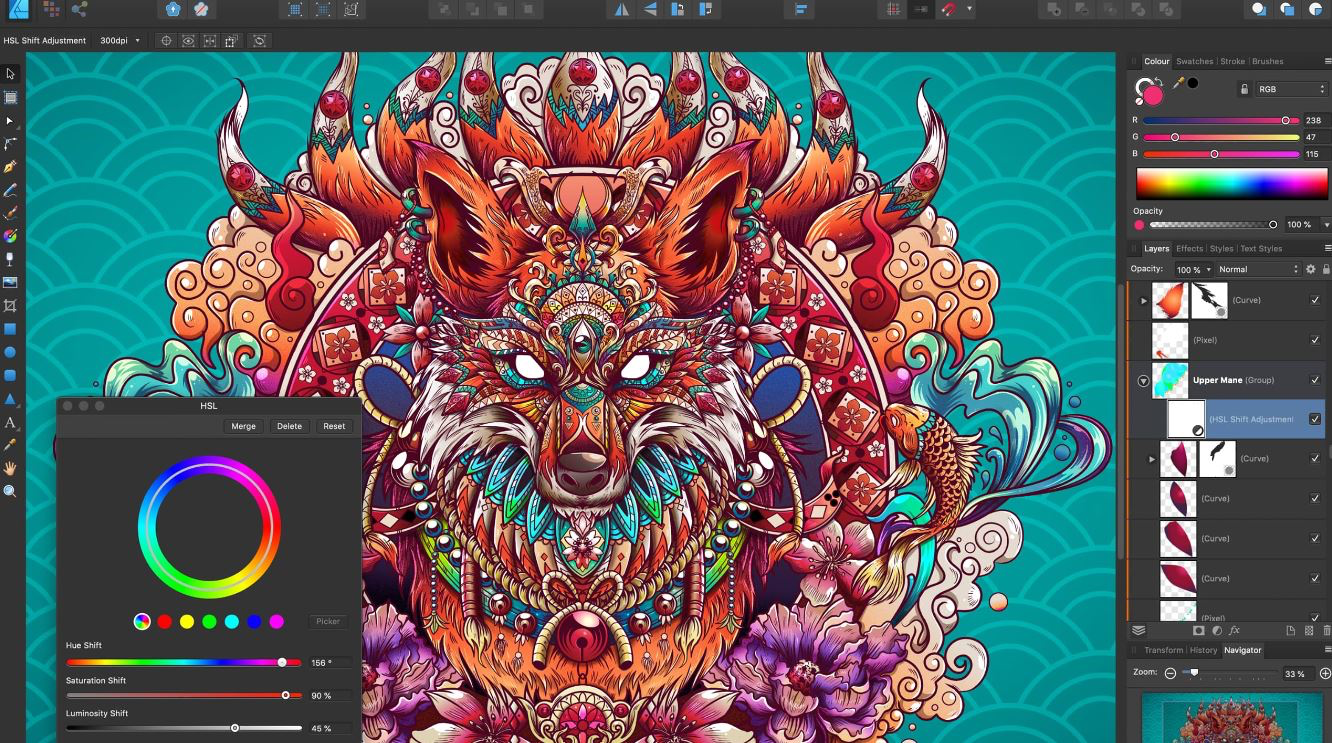
Affinity Designer
SoftwareWikipedia
19
MENTIONS
12
EPISODES
11
PODCASTS
Search complete. 19 mentions across 12 episodes found for "Affinity Designer".
Nov 20, 2026

Edward OjamboHOST
That's how quickly this type of applications go.
Edward OjamboHOST
So, the ability to import Affinity Designer documents makes it a versatile hub for open source projects.
Edward OjamboHOST
You can migrate your existing work without losing the core structural integrity of your art.
Edward OjamboHOST
This software represents a massive architecture breakthrough for open source creative community.

Delores NaskrentHOST
These days, of course, I do a lot of work on my iPad.
Delores NaskrentHOST
I especially work in Procreate and Affinity Designer, not because I don't have or know how to use Photoshop and Illustrator, but because I like working on the iPad.
Delores NaskrentHOST
I like being comfortable when I'm doing this kind of work.
Delores NaskrentHOST
And I found that many of the same techniques I used in Photoshop translate beautifully into my current workflow.
6 MINS LATER
Delores NaskrentHOST
Maybe it's an old painting or a mixed media experiment, a page from a sketchbook or something you've done in class or even something you have started and never finished.
Delores NaskrentHOST
Take a photo of it or scan it if you can, then bring it into whatever digital program you're comfortable using for this kind of thing.
Delores NaskrentHOST
For me, it would probably be Procreate or Affinity Designer, but you could certainly use Photoshop or another program and then just start exploring.
Delores NaskrentHOST
Try cropping into different sections, changing the scale and look for interesting areas of color or texture.

MattHOST
Exactly.
MikeHOST
So as we all know, the Affinity for iPad, that used to be three separate apps, obviously Affinity Photo, Affinity Designer and Affinity Publisher.
MikeHOST
Those now have all converged into one single app that has got the different studios that you can now select and you can then choose.
MikeHOST
And it's all from within one app without having to jump to different apps, etc.
MikeHOST
So I think it's one of the best photo editing tools.
MikeHOST
So I enjoy it.
MattHOST
And I mean, the iPad, the Apple Pencil Pro, the hover feature must be so nice on Affinity Designer because...
MattHOST
Yeah, it just makes selection
Kaylie EdwardsHOST
I'm like, shit, I've just, I've had enough.
Kaylie EdwardsHOST
But because when I found Affinity Designer and because Laura, she uses it.
Kaylie EdwardsHOST
and I was like I didn't realize that you could just pay like a one-off for it at the time so I paid a one-off for it and I was like really getting into it I thought actually this is actually a bit better I thought this is actually easier I quite like this
Samantha HallGUEST
yes
Kaylie EdwardsHOST
use the same similar file format as Illustrator.
Samantha HallGUEST
Because
Kaylie EdwardsHOST
Affinity Designer is a vector-based program.
Kaylie EdwardsHOST
It's got vector and pixel, pixel-based.

Michael TunnellHOST
So Affinity Photo, we used to be the Photoshop competitor.
Michael TunnellHOST
Then they had Affinity Designer and they had Affinity Publisher, which was competitors to Illustrator and InDesign.
Michael TunnellHOST
And now these were completely separate applications, and Canva relaunched Affinity as one unified application back last year, which gives you Pixel Studio, Vector Studio, Layout Studio, and also having the ability to move between the tools within one application.
Michael TunnellHOST
So a much more direct competitor to the Adobe Suite.

Geoff OwenHOST
Yeah, which I use Publisher for all my podcast artwork, so now I'm desperately trying to learn how to use LibreOffice Draw, which is not the same.
Stuart AshenGUEST
Affinity Designer will be the answer.
Stuart AshenGUEST
I think Affinity might just be one app now, and you click on the designer bit, but that's a lot closer to Publisher than anything else I've seen.
Geoff OwenHOST
Does it load Publisher files?

Nate HeathHOST
I just used their
Dave BaylorHOST
design, Affinity Designer, two days ago.
Dave BaylorHOST
See, what is today? There you go.
Dave BaylorHOST
That was, yeah, two days.

Allison SheridanHOST
Okay.
Allison SheridanHOST
Affinity Designer wants all of iCloud Drive.
Allison SheridanHOST
Affinity Photo only wanted documents.
Allison SheridanHOST
Affinity App, the new one, that's all of iCloud Drive.

Varun MayyaHOST
stuff.
Varun MayyaHOST
For logos and animations, vector design tools like Adobe Illustrator and Affinity Designer work well.
Varun MayyaHOST
For video production and animation, Adobe After Effects and Adobe Premiere Pro are widely used.
Varun MayyaHOST
And that's now

Scott JohnsonGUEST
I mentioned DaVinci for video.
Scott JohnsonGUEST
I mentioned Affinity Photo, which also has Affinity Designer, which is a vector program.
Scott JohnsonGUEST
Or maybe it's the other way around.
Scott JohnsonGUEST
Well, anyway, they have basically an illustrator and a page maker kind of equivalent in design.
Scott JohnsonGUEST
But that conversion thing, if that's all I got out of this suite, this was a huge find for me.
Scott JohnsonGUEST
Because I needed it.
Scott JohnsonGUEST
The one in Affinity Designer or whatever it's called, it's kind of crap.
Scott JohnsonGUEST
Sorry, Affinity.
2 more episodes mention Affinity Designer.
Create an account to see the whole feed, search across every transcript, and follow the entities you care about.