Adobe Camera Raw
SoftwareWikipedia
12
MENTIONS
4
EPISODES
4
PODCASTS
Search complete. 12 mentions across 4 episodes found for "Adobe Camera Raw".
Sep 2, 2026

David ThompsonHOST
So what it does is basically Adobe is giving Photoshop a new adjustment layer dedicated to light, including exposure, contrast, highlight, shadow, white and black sliders.
David ThompsonHOST
Light is one of the most essential parts of the, you know, panel here in in the raw converter, Lightroom or Camera Raw.
David ThompsonHOST
And now it's being introduced to Photoshop.
David ThompsonHOST
Now, what's cool about this is for all you guys out there that are scared to go into Photoshop because you're nervous about the adjustments and that kind of thing.
David ThompsonHOST
There's too much to learn, but I think this is a really, really, really good, uh, start for people to migrate over there and use Photoshop as a, as another tool for processing.
Matt PayneHOST
Okay, DT, I have a question for you.
Matt PayneHOST
So for people who are in that camp, what would be the advantage of using an adjustment layer such as this in Photoshop versus just doing those adjustments in Lightroom or Adobe Camera Raw?
David ThompsonHOST
Yeah, I think for for me, I think that the having the ability to mask and do a lot more painting, that's where that will come in into play.

Ryan SelvyHOST
A few of them were this new light adjustment layer, and it is non destructive adjustment layer that you can have light contrast, highlights, shadows, whites, blacks.
Ryan SelvyHOST
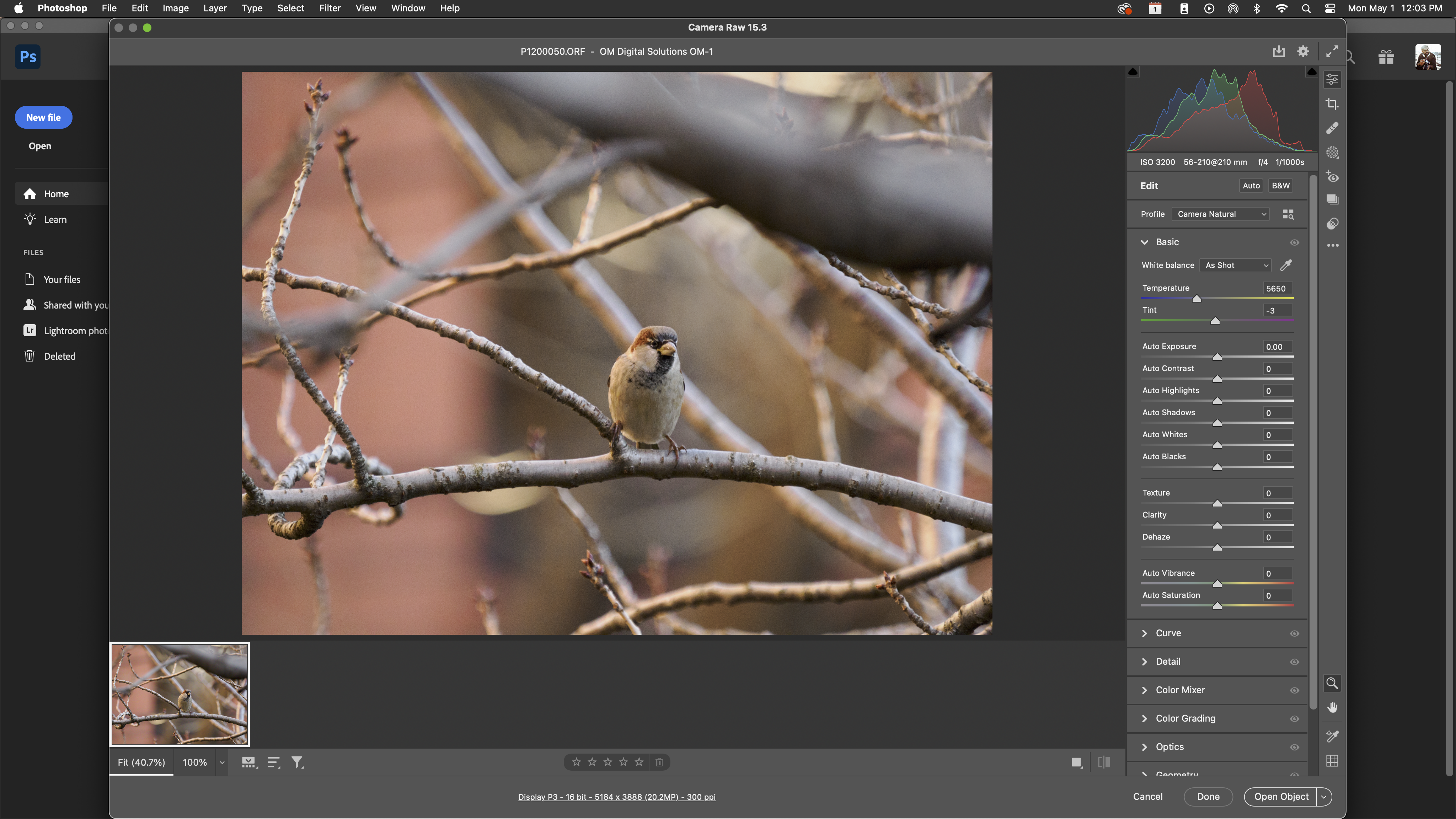
It feels a lot like Camera Raw previously felt.
Ryan SelvyHOST
uh without having to hop out into either the camera or filter or hop into lightroom they're also um introducing some generative controls with uh instruct edit with masks so rather than highlighting the whole thing and having to type out and be like i want to change her hat to be a santa claus hat you can instead create a mask around the hat and then it will only affect that and keep everything else crystal clean and untouched.
Ryan SelvyHOST
Similarly, you can also draw on the images themselves and then just like X out things and be like, get rid of that.

Lauren SpringerGUEST
another fun part right of being an artist is you're a small business my husband decided he was going to learn how to take art photography and so he got we have the a canon camera and then we got the the nice tripod we got the studio lights and he's in here we got the level and we're adjusting and man it took us so long it's so long so long oh and then the processing of the images and making sure the cropping is right and it's not like skewed and oh my god
Brandi HoferHOST
Camera Raw Filter and Photoshop will help with all of that.
Brandi HoferHOST
Yes.
Brandi HoferHOST
I actually scan and stitch all of my smaller to medium pieces through automation, so then they can be totally blown up.

Rob SylvanGUEST
And one of the, one of the things that's good about that is obviously Photoshop, you know, is all-powerful.
Rob SylvanGUEST
But Camera Raw, like just today, got new features that don't show up in Lightroom or Lightroom Classic.
Rob SylvanGUEST
And so part of what we'll show is how you can take advantage of th- when ... 'Cause this has happened.
Scott KelbyHOST
Mm-hmm.
Rob SylvanGUEST
Now, this is, this is a new pattern, is Camera Raw comes out with some new shiny object that doesn't show up in Lightroom or Lightroom Classic for a while.
Scott KelbyHOST
Yeah.
Rob SylvanGUEST
You know, I don't, I don't know what that time period is, but a while.
Rob SylvanGUEST
Uh, so we'll look at how you can still take advantage of the new things in Camera Raw.